


 HOME THEATER SOLUTION

 RGB GAMING SOLUTION

 4D SOUND SURROUND
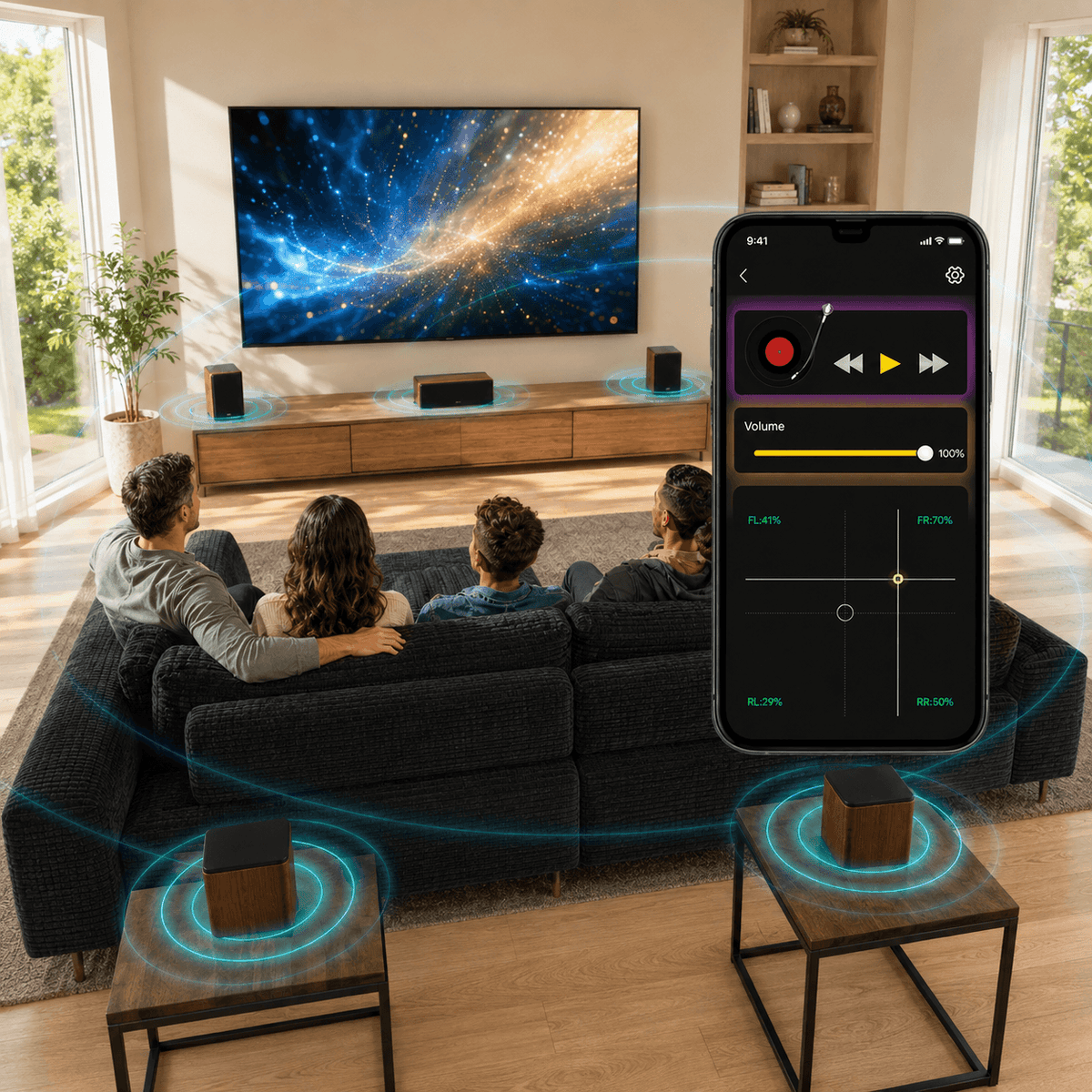
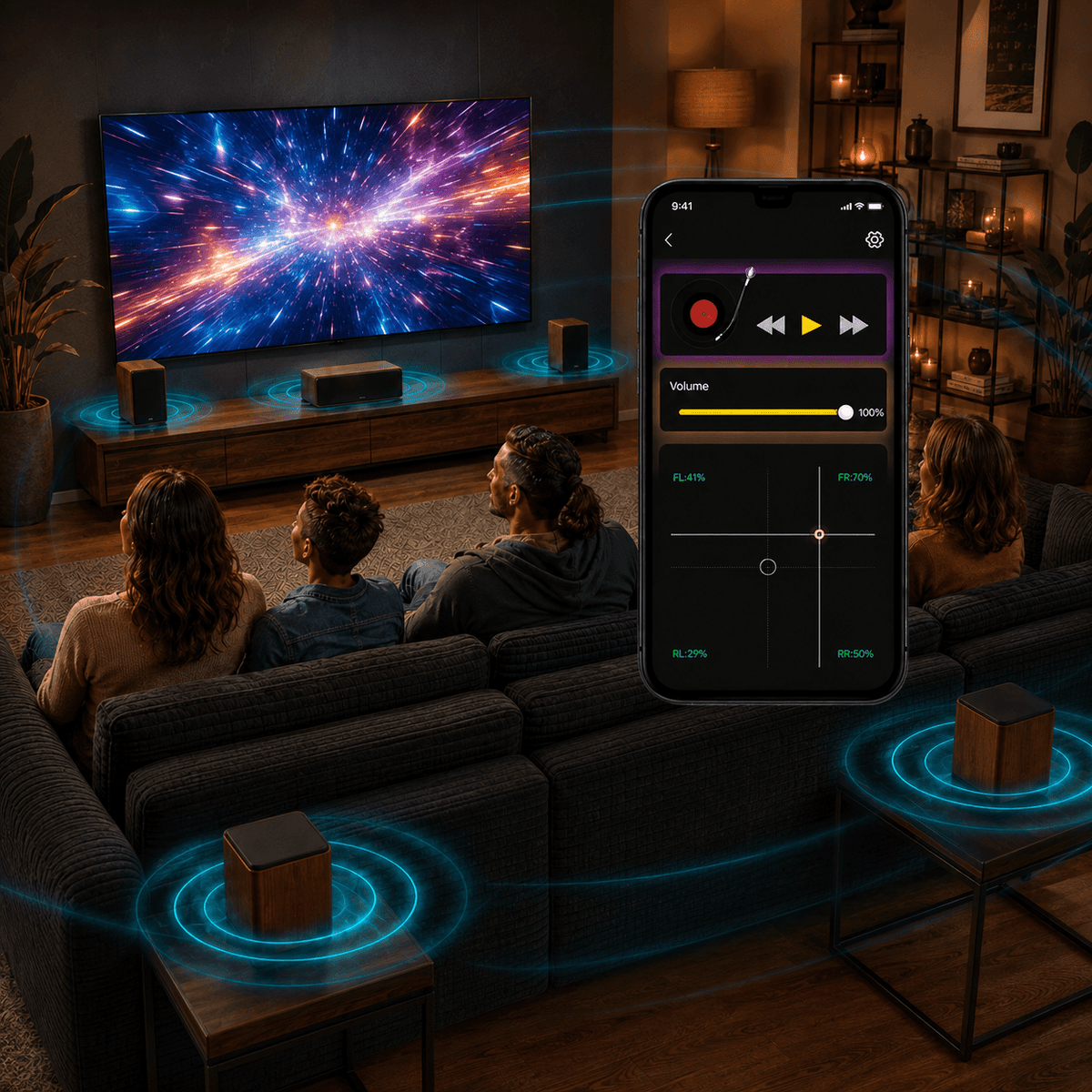
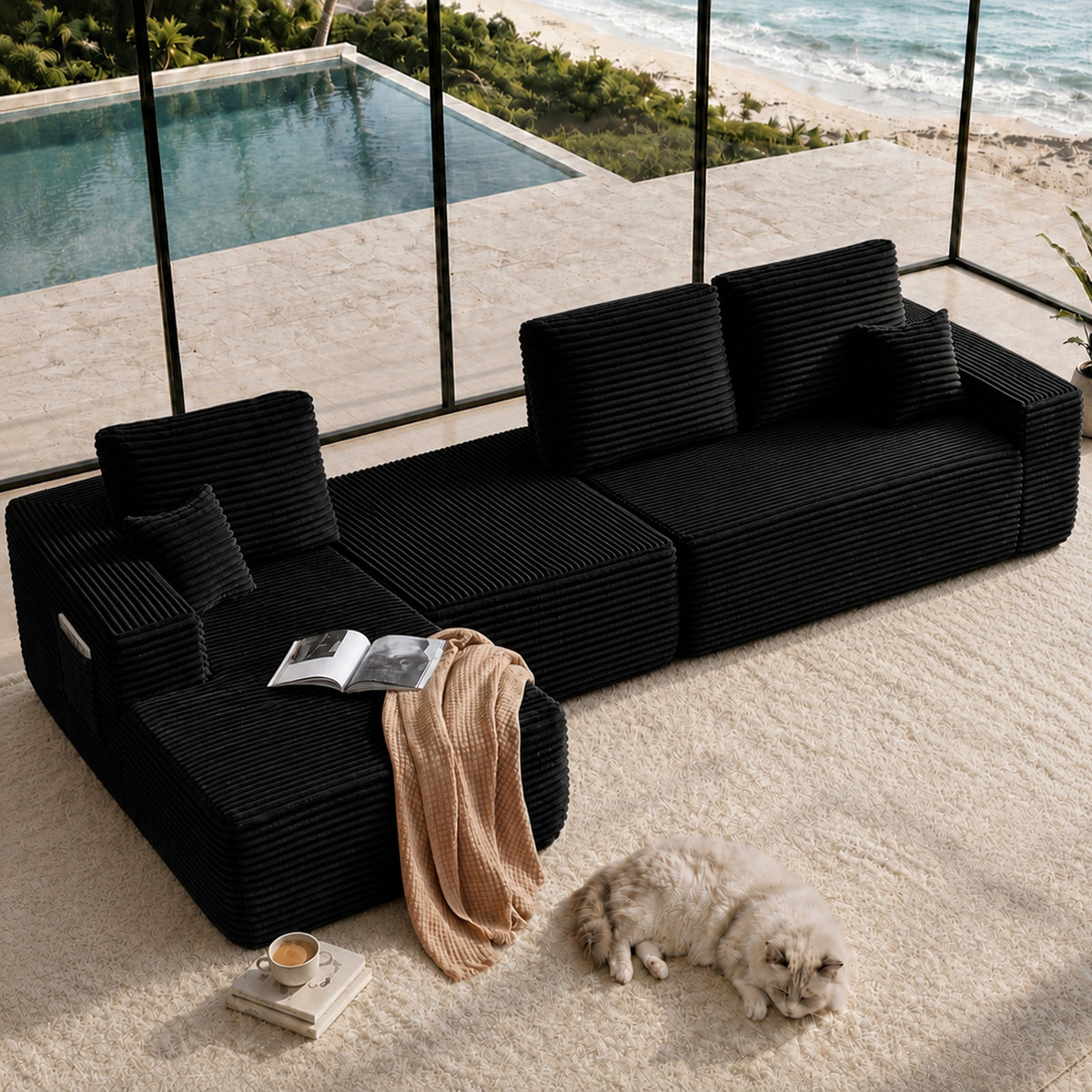
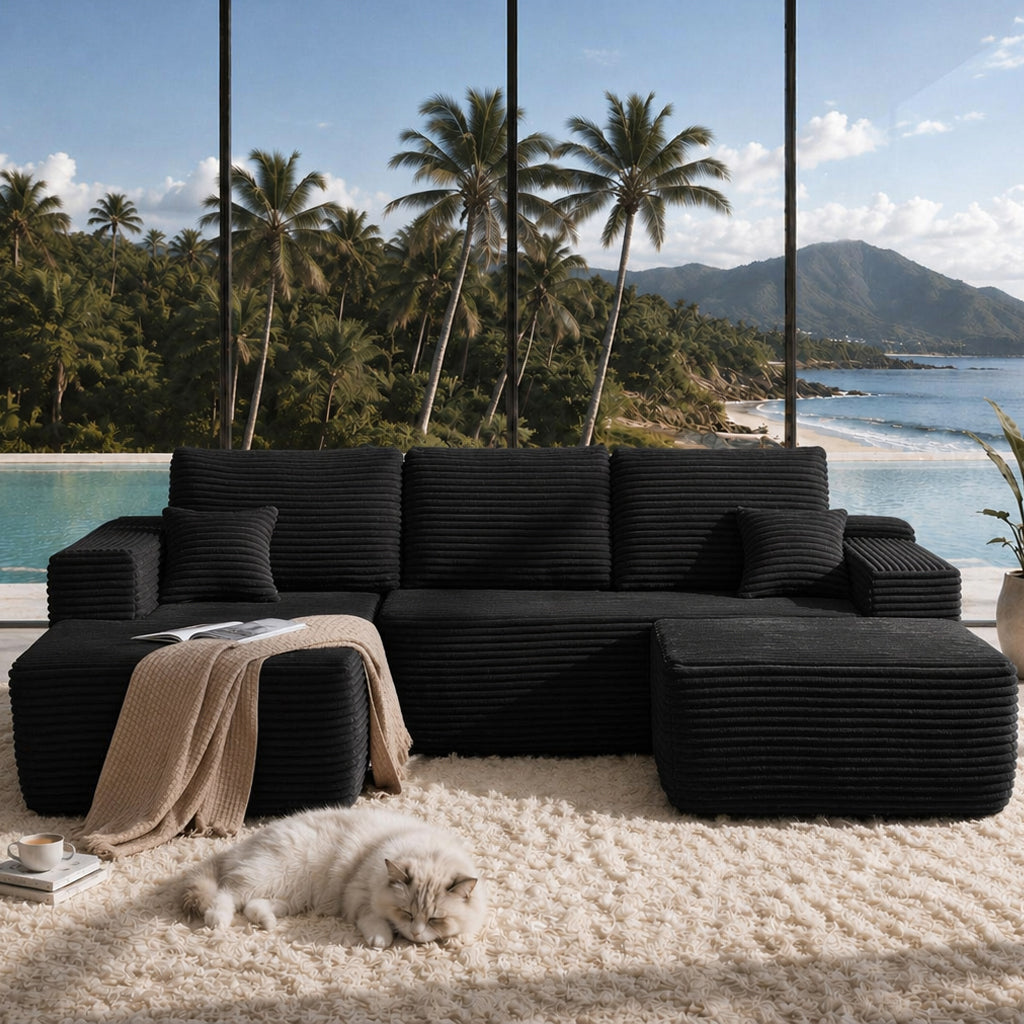
Lynck App + Hardware, Designed For Home Theatre
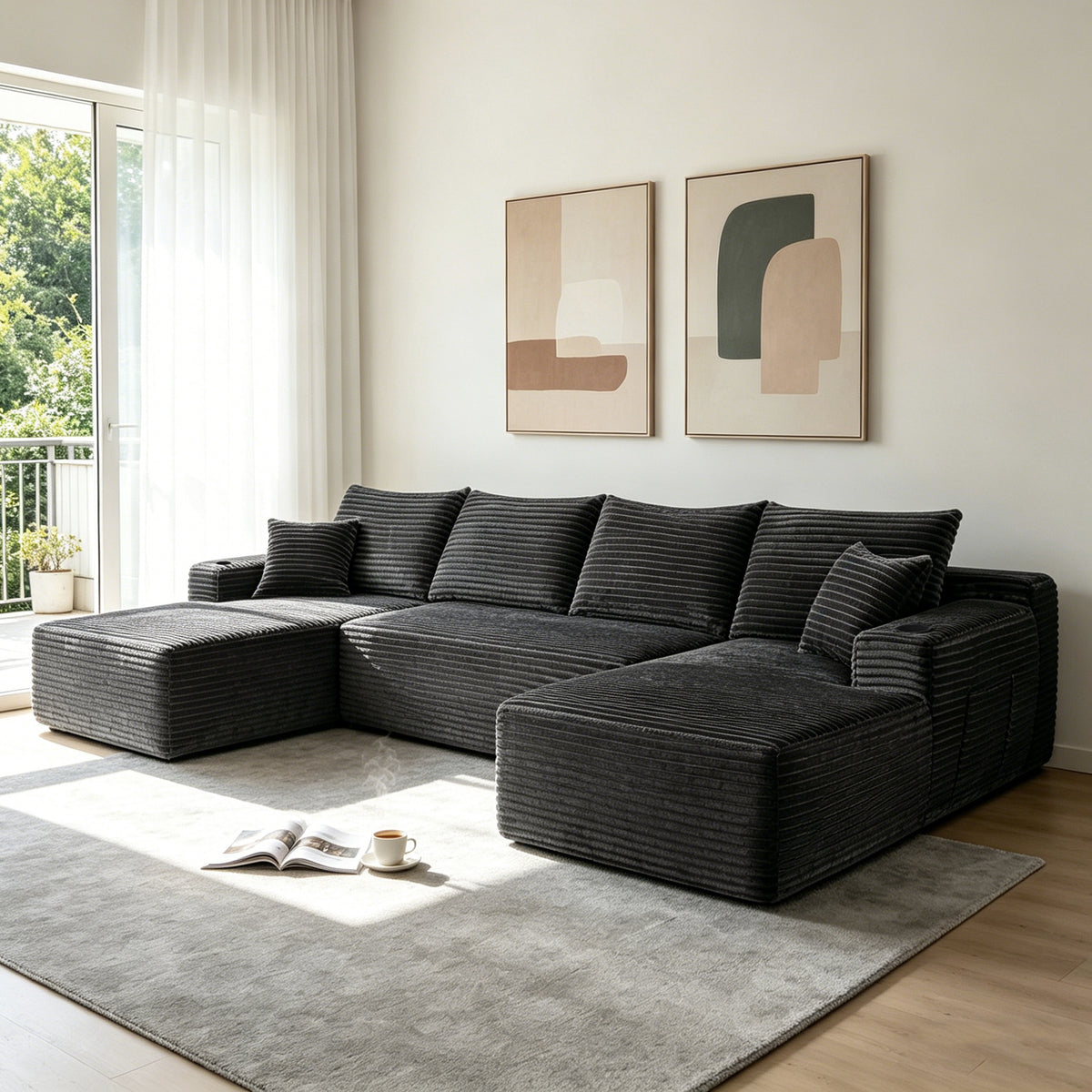
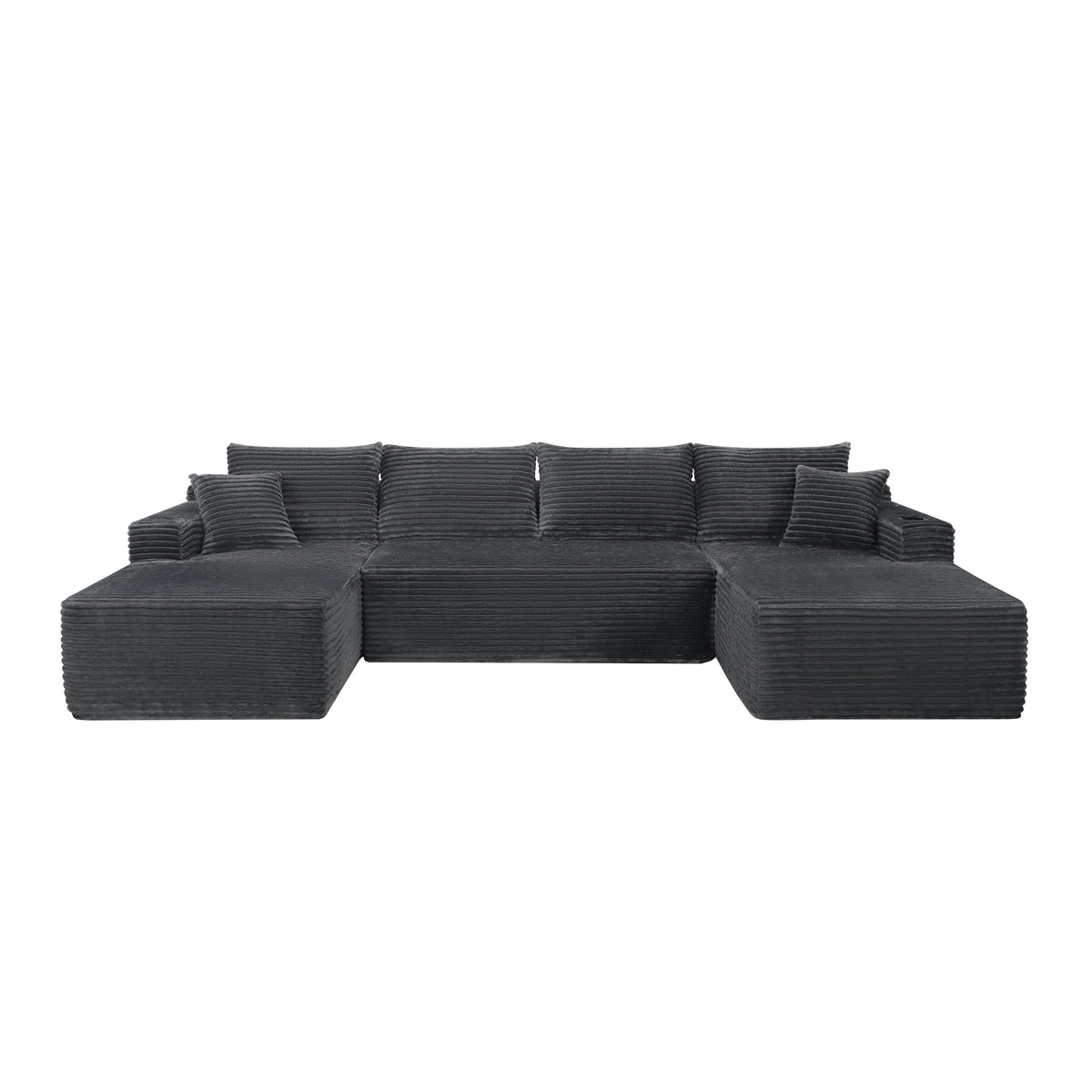
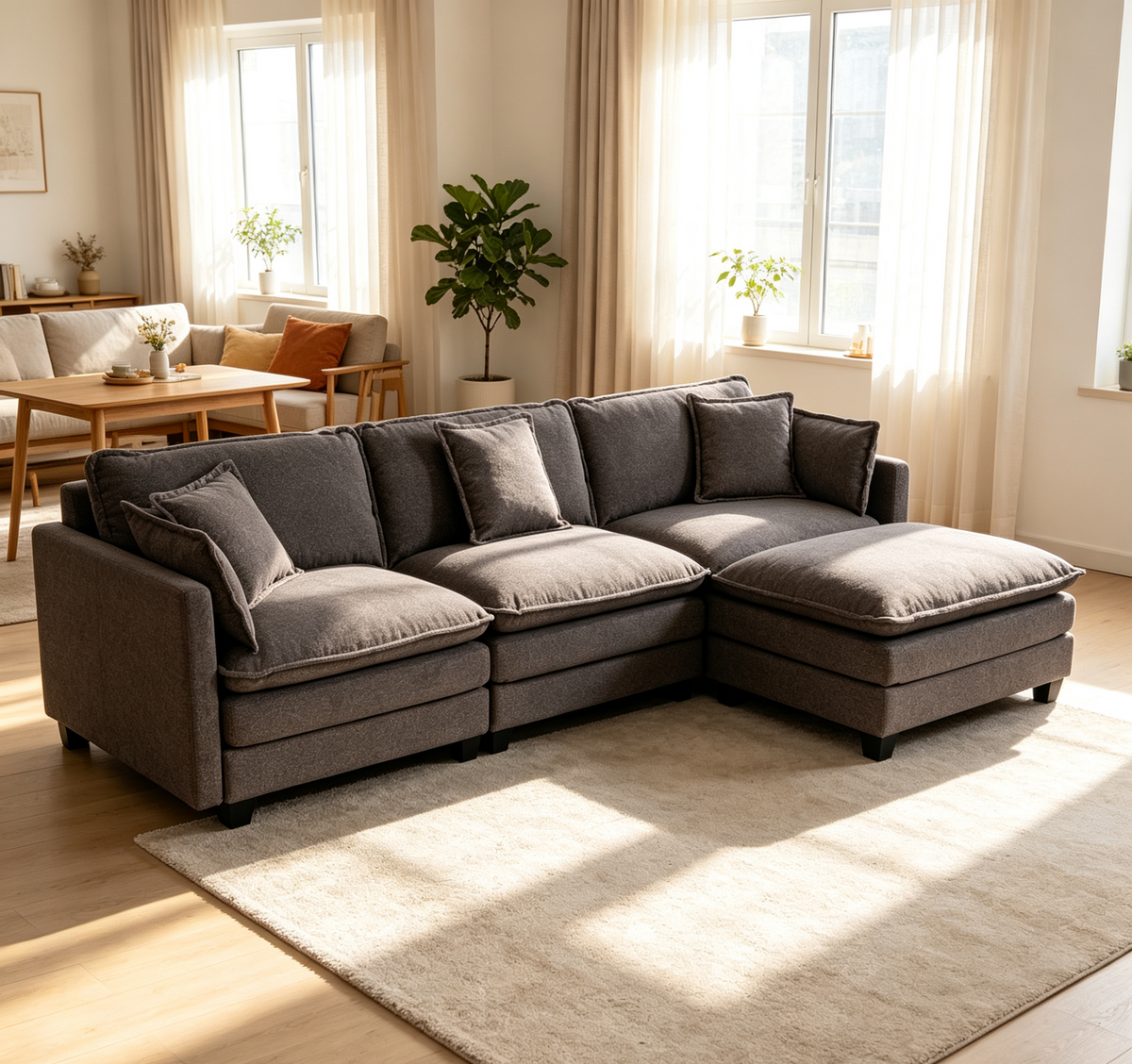
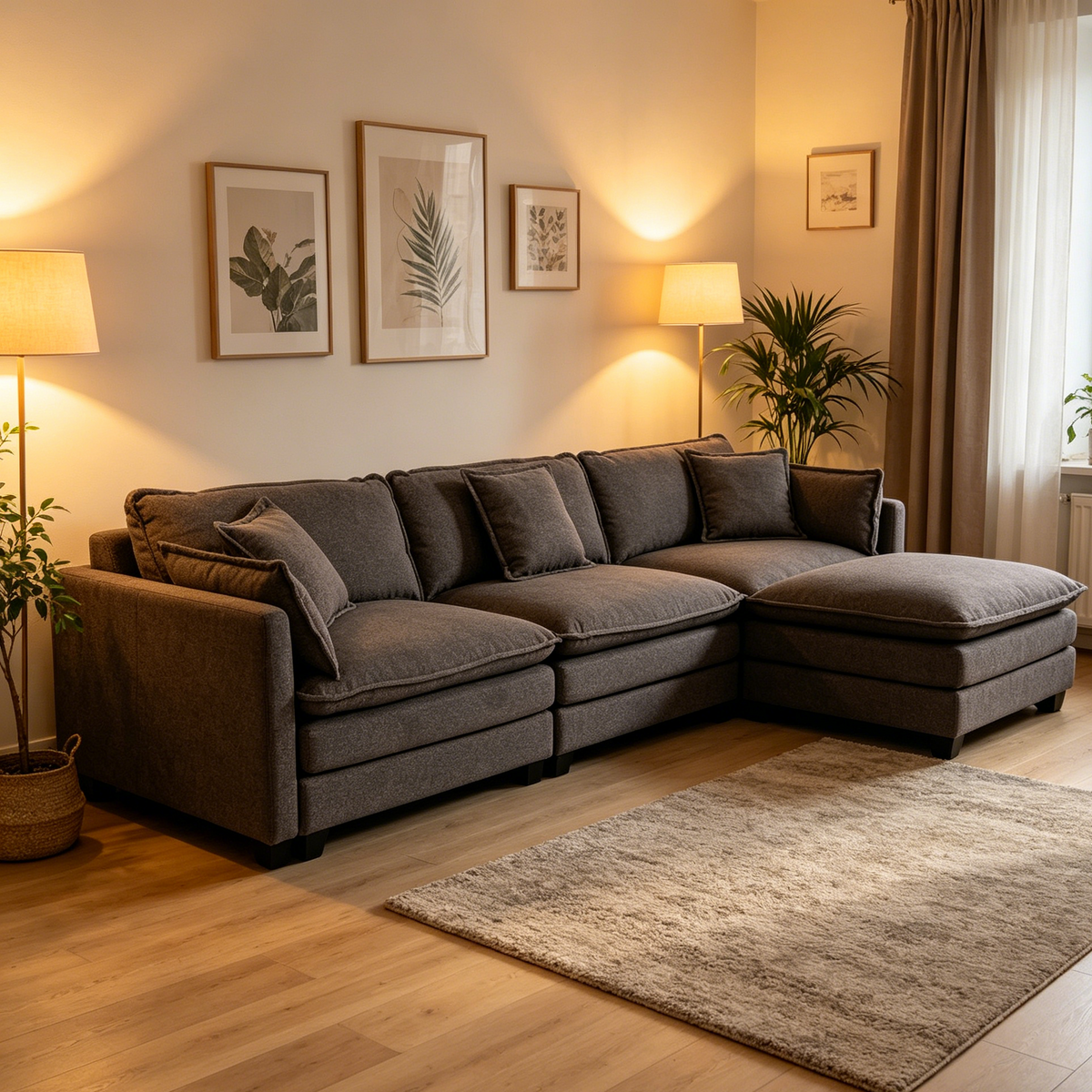
Enjoy your ultimate home‑cinema with our comfort sofa, 4‑channel speakers and smart app control.
Explore LYNCK Home Theater SolutionLevel up Your Living Experience


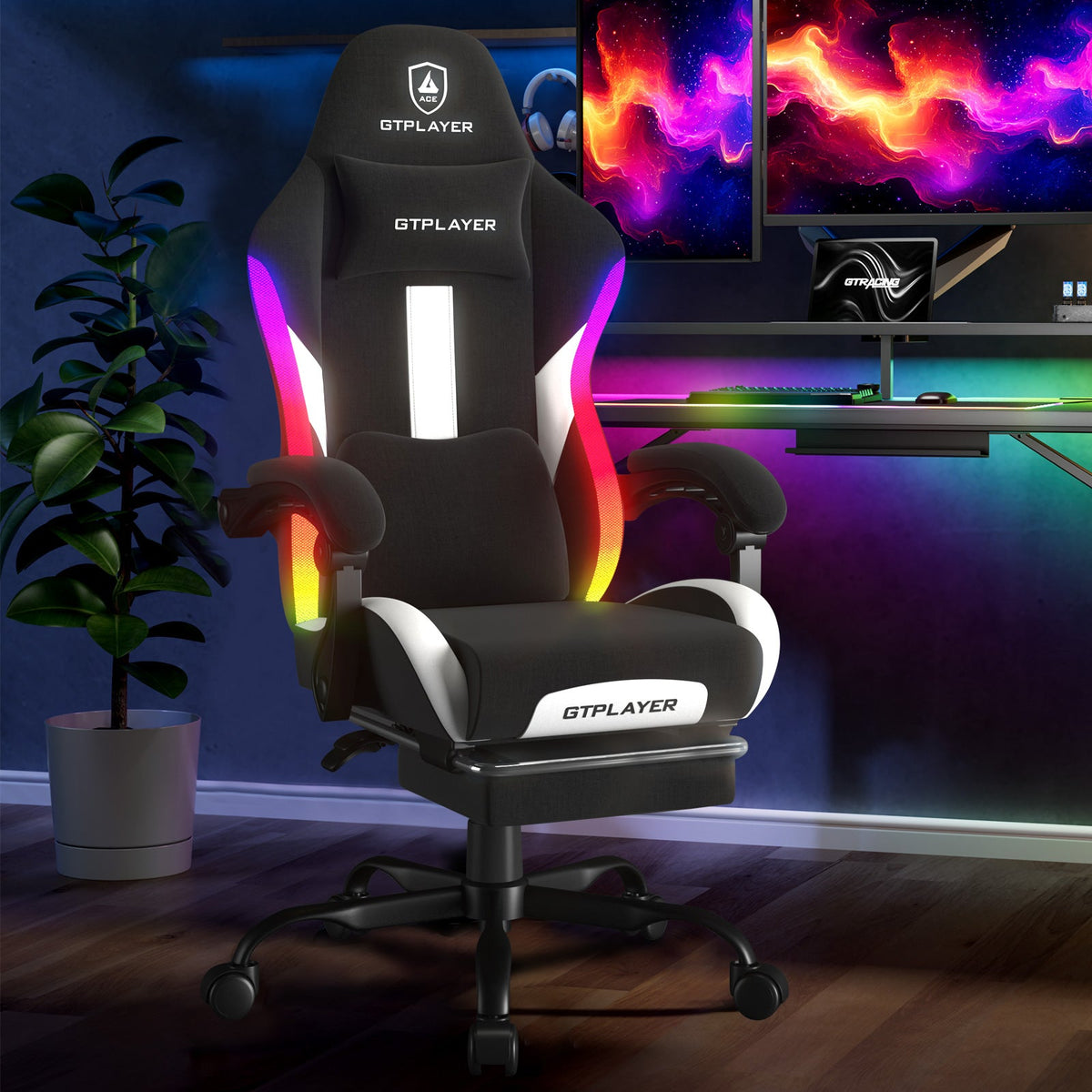
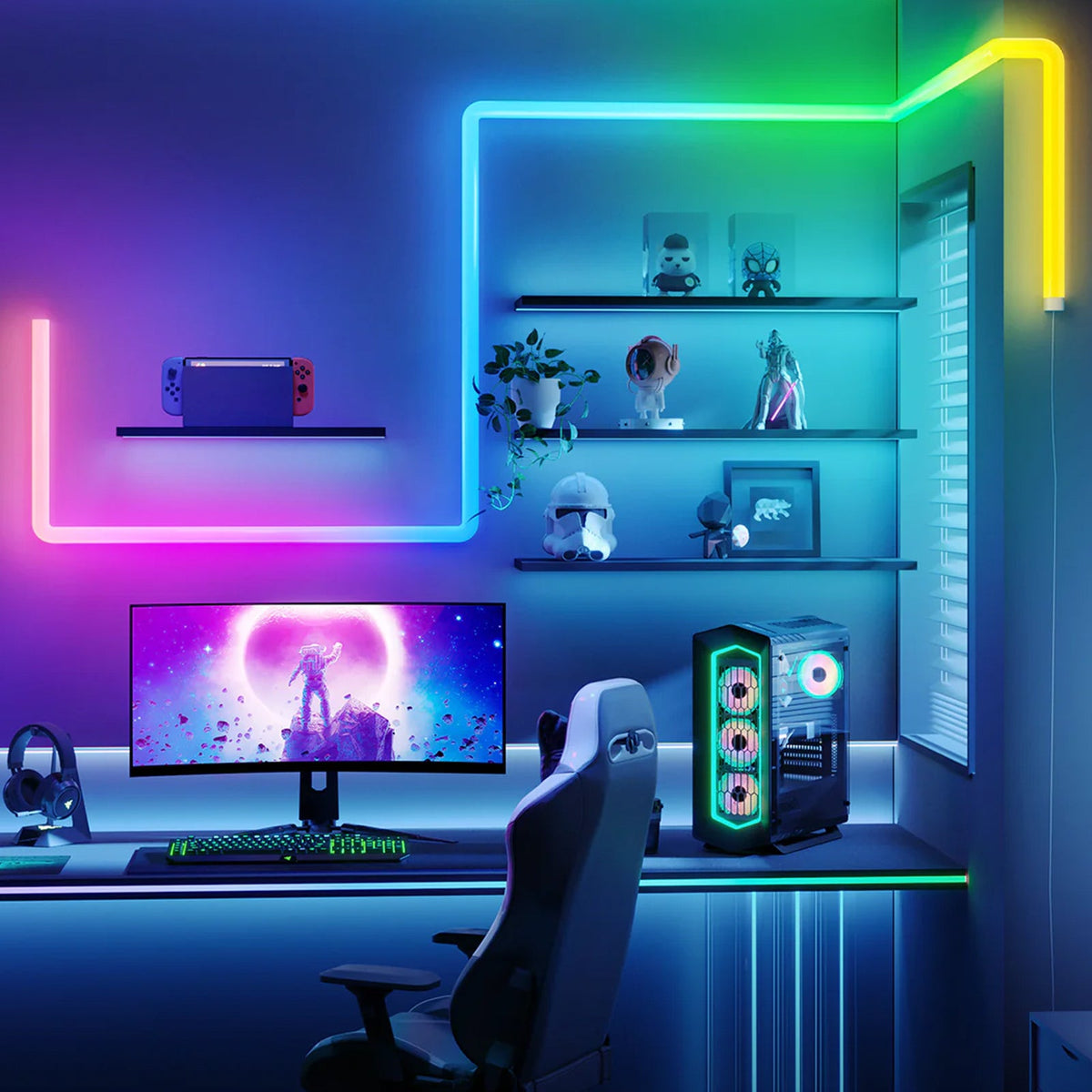
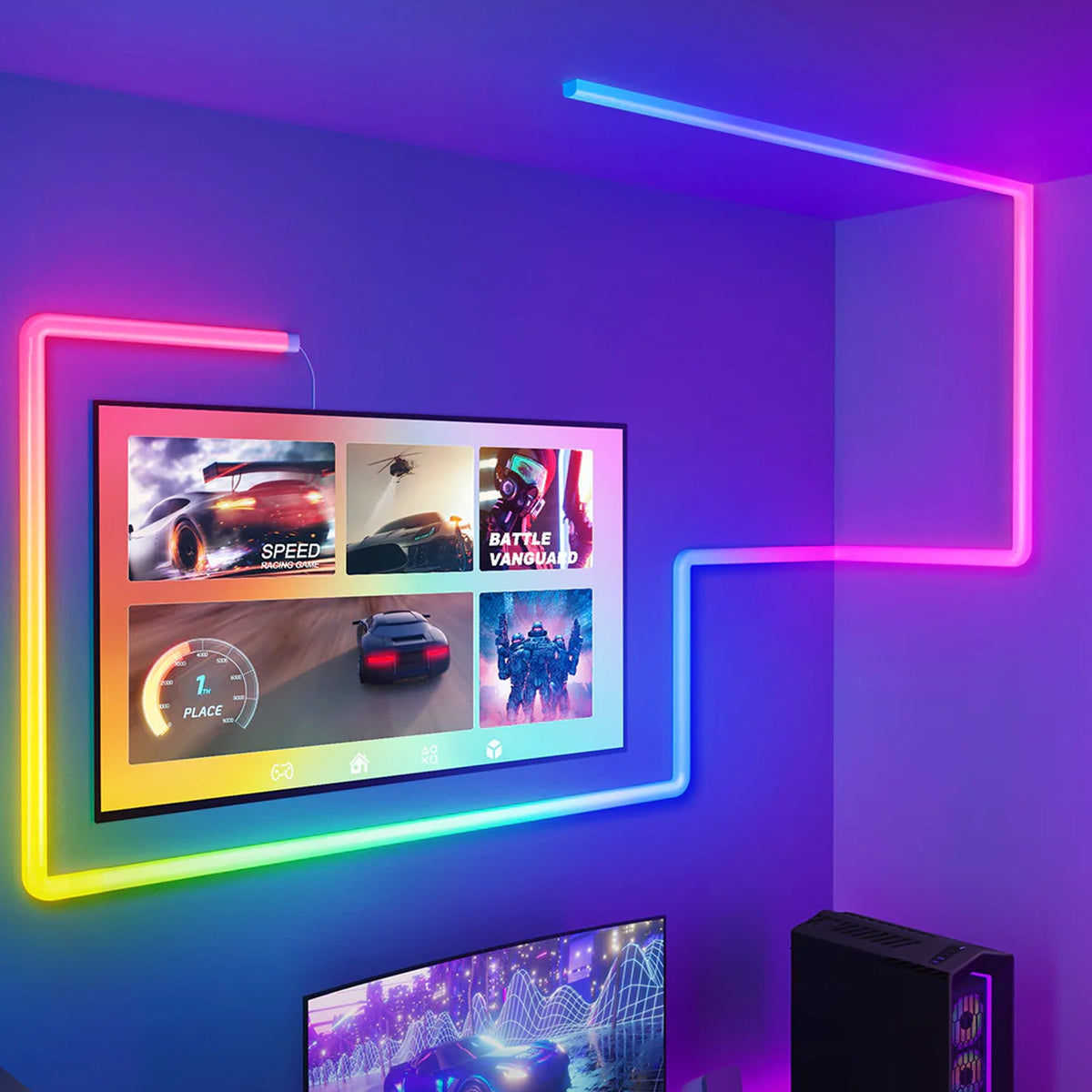
Lynck Hub & Lightings, Ideal for Gamers
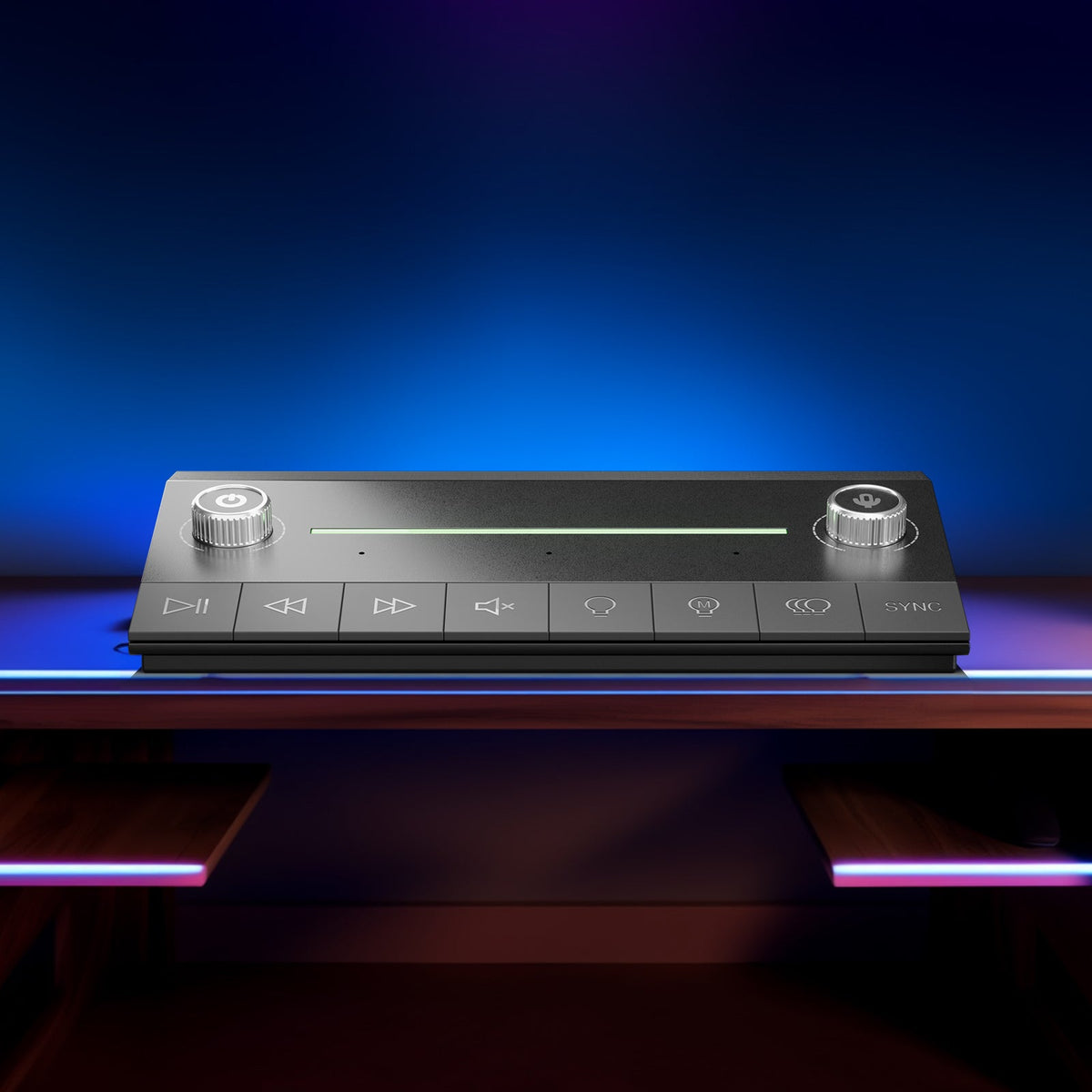
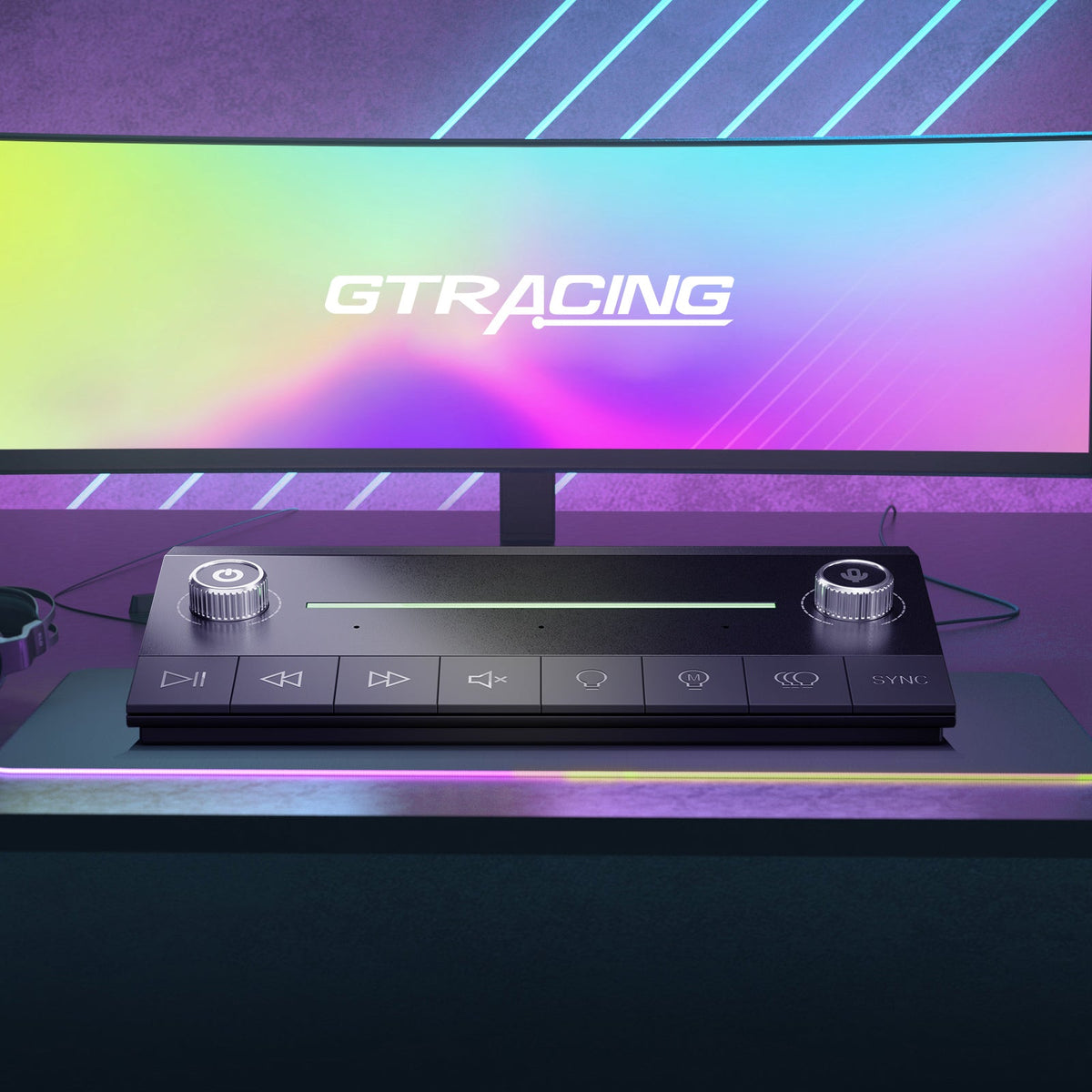
One‑Tap to Control All Gaming‑Room Lights & Customize Your Gaming Mood.
Explore LYNCK Gaming Room Solution


Level up Your Gaming Experience
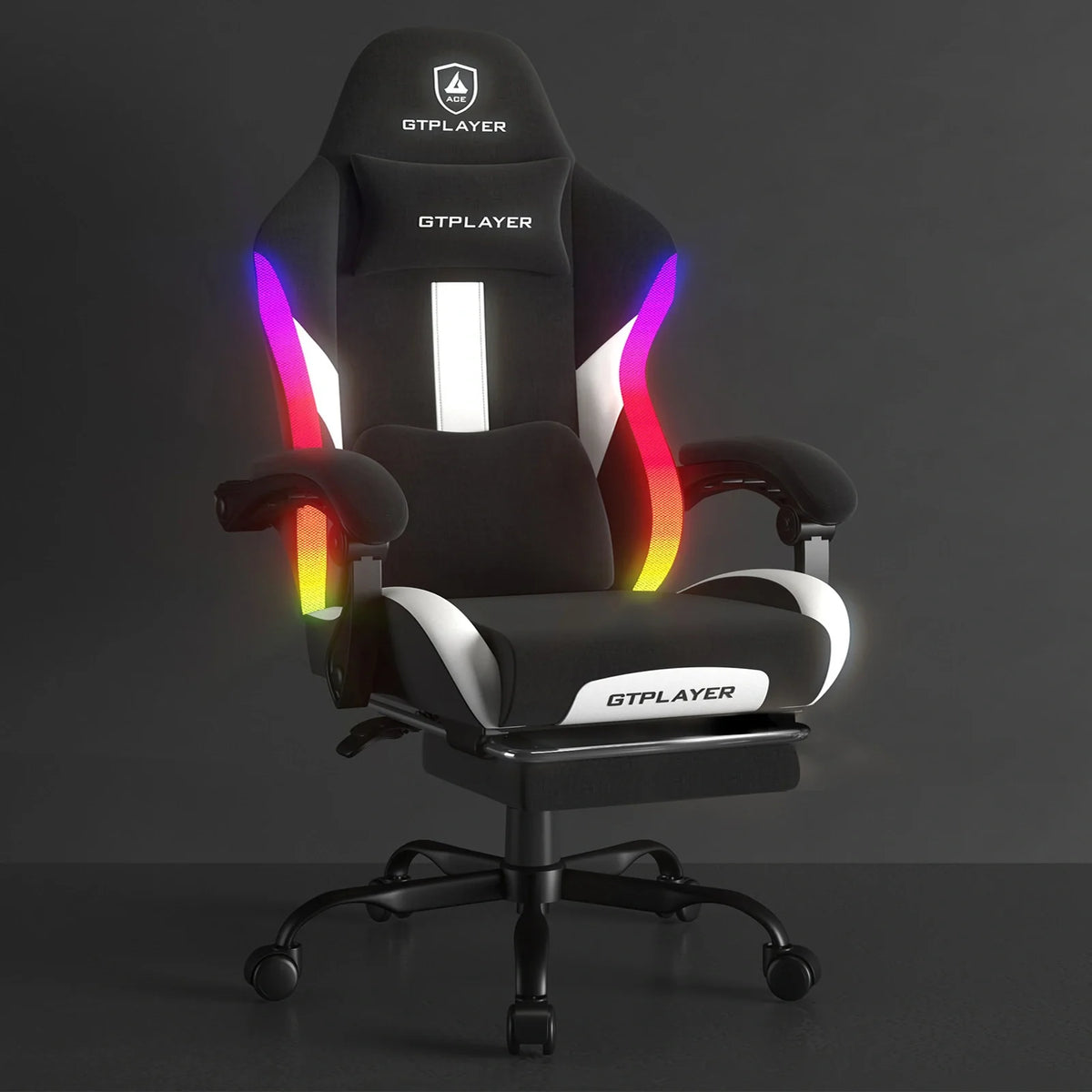


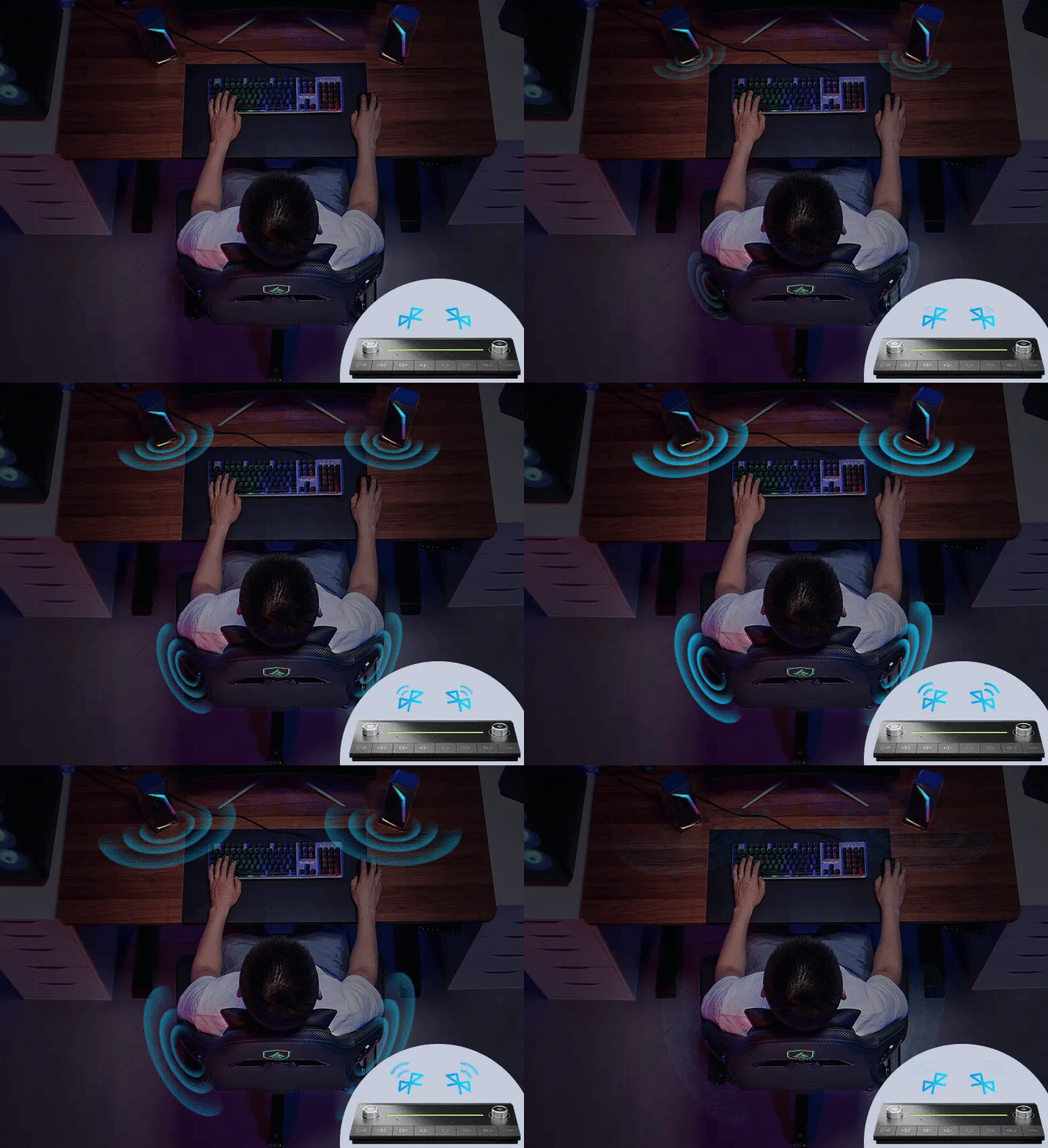
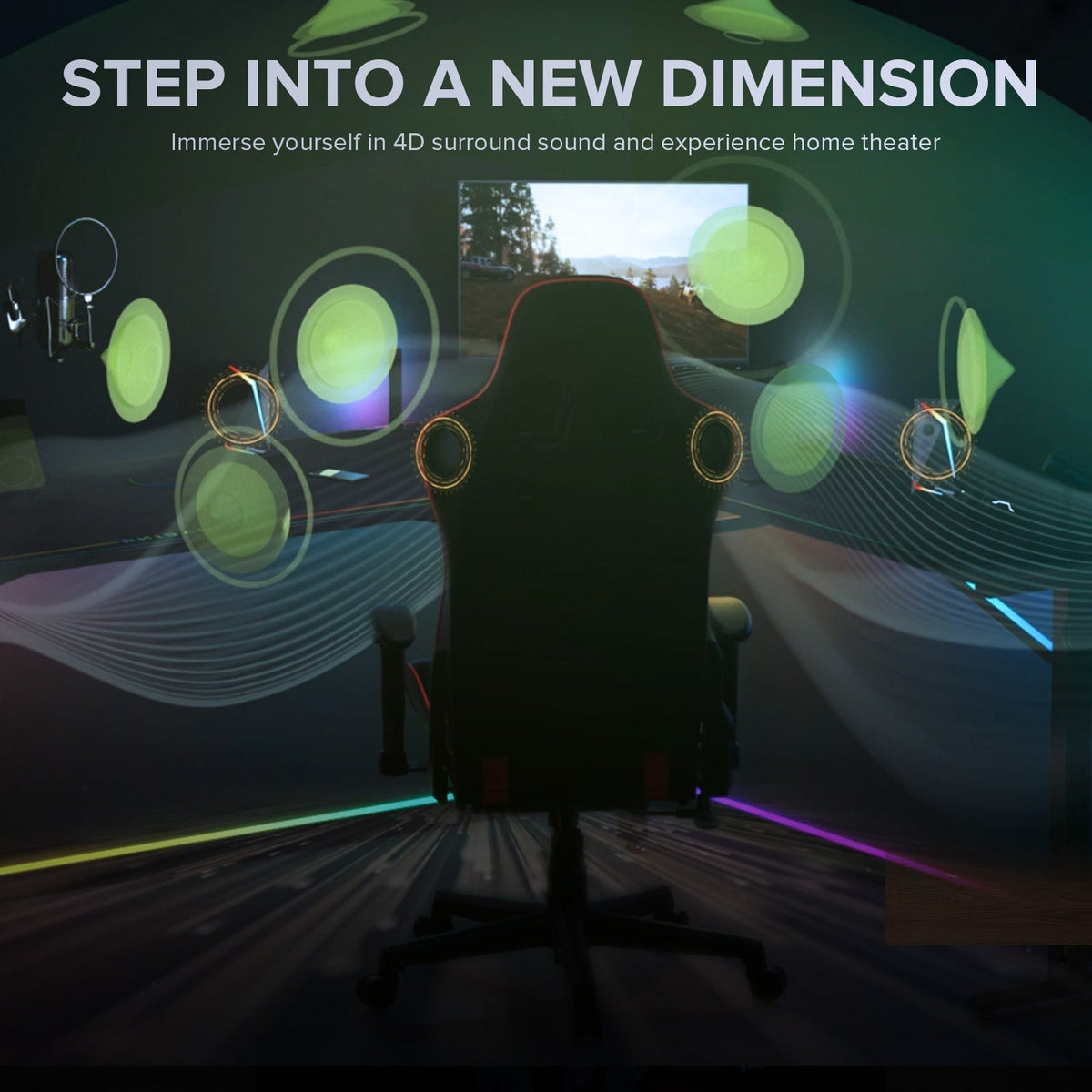
Immerse Yourself in Wrapped‑Around Sound
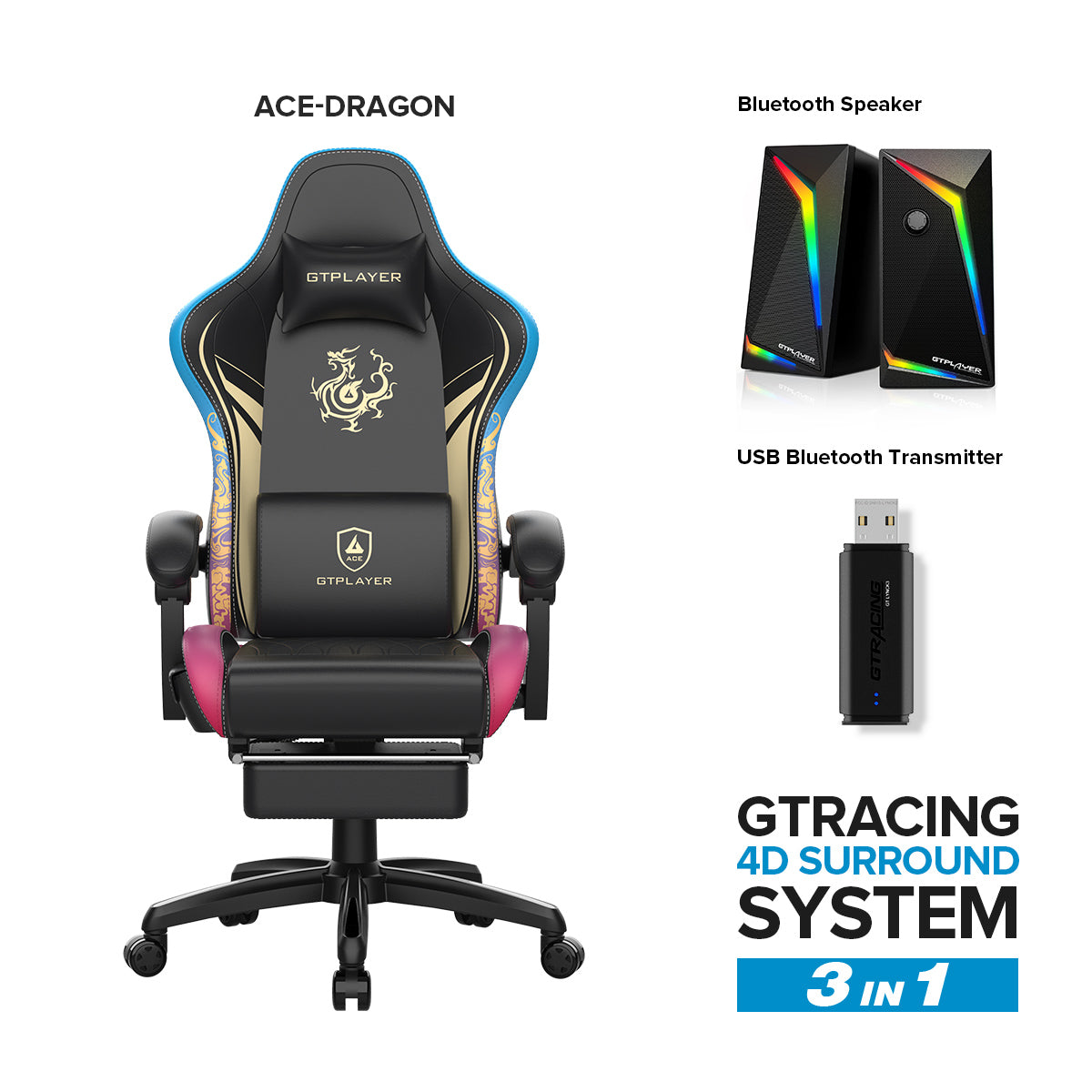
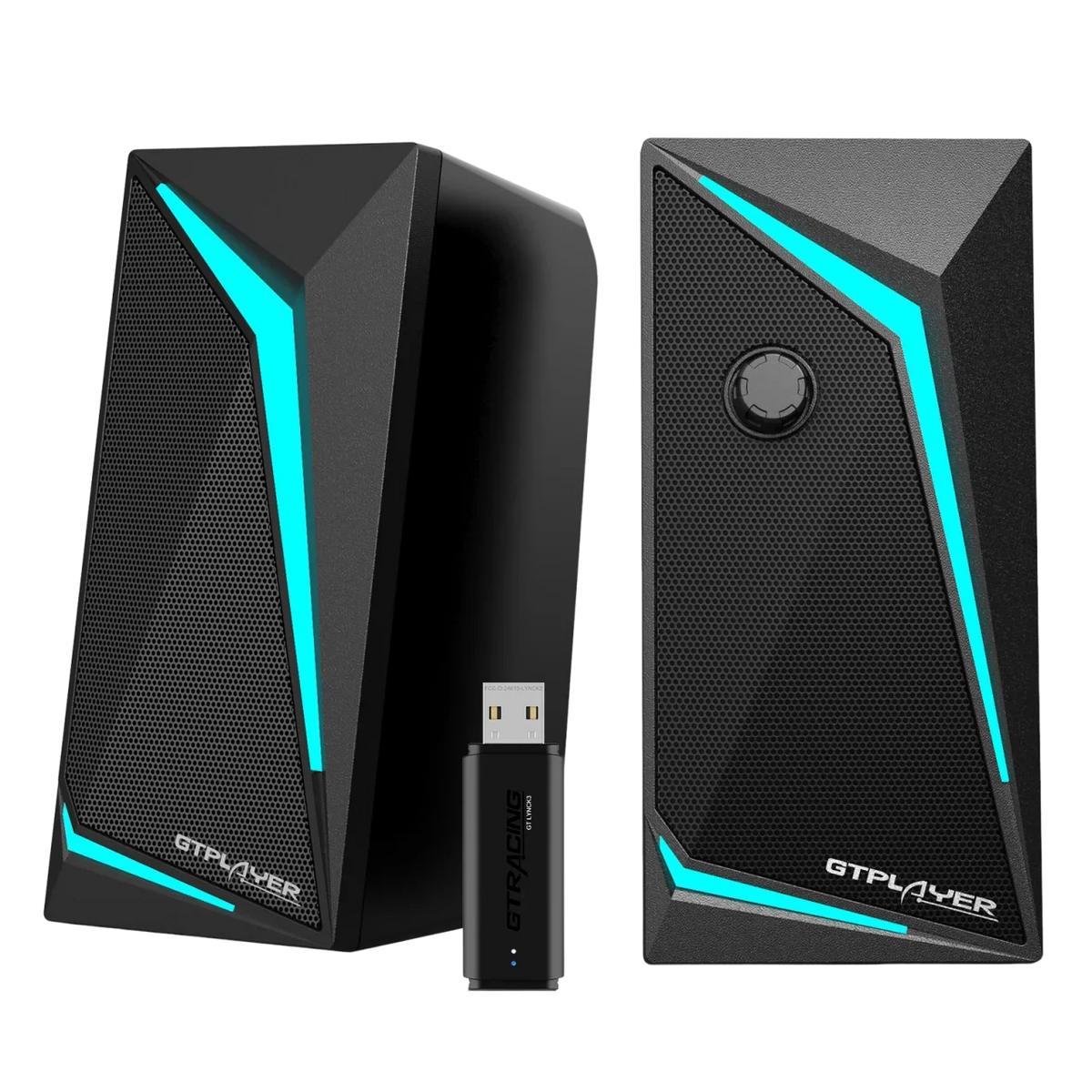
Hear Enemy Footsteps Behind You, and Dive into Your Game World. Choose Lynck Hub + Gaming Chair + Speakers Now.
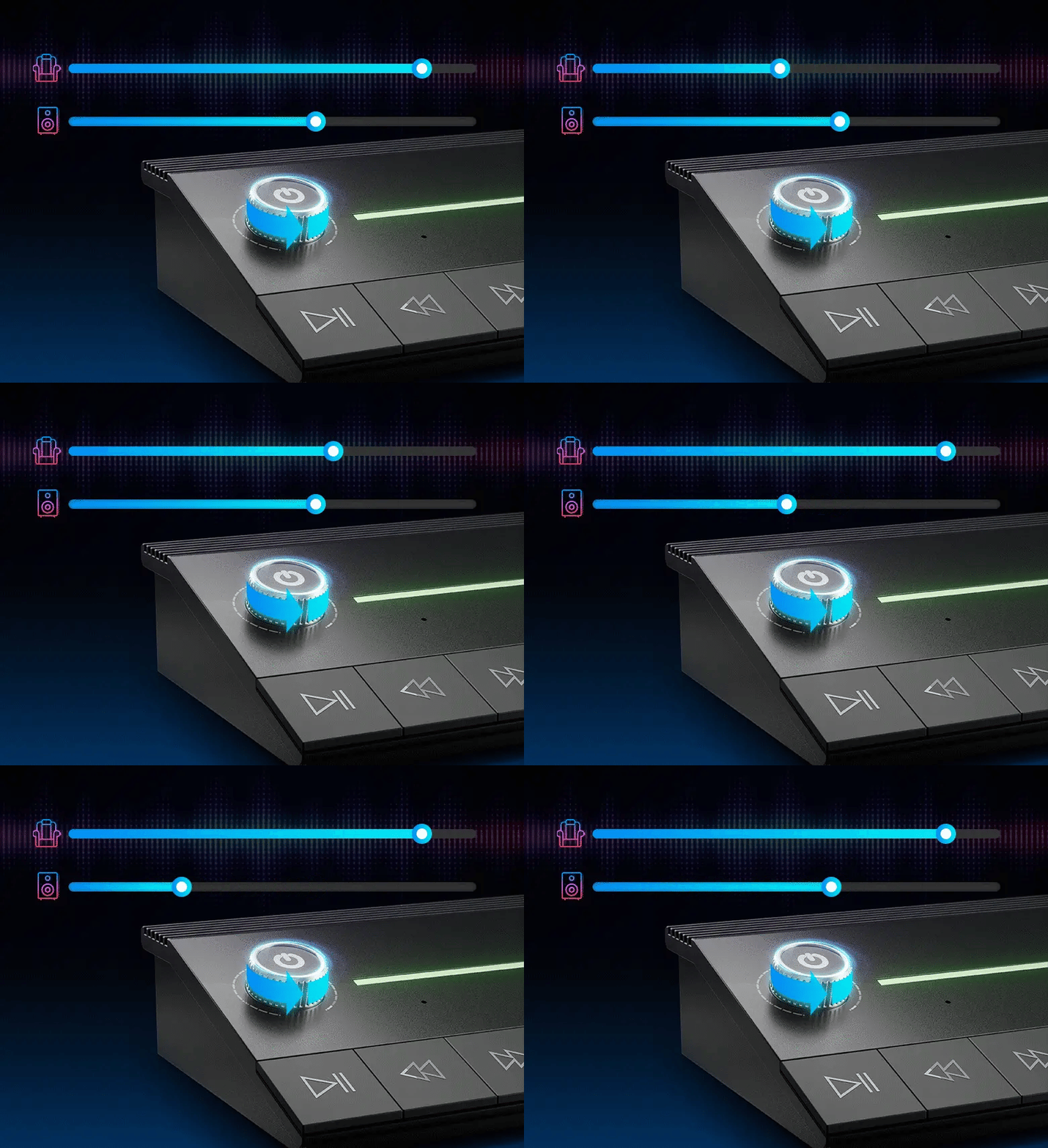
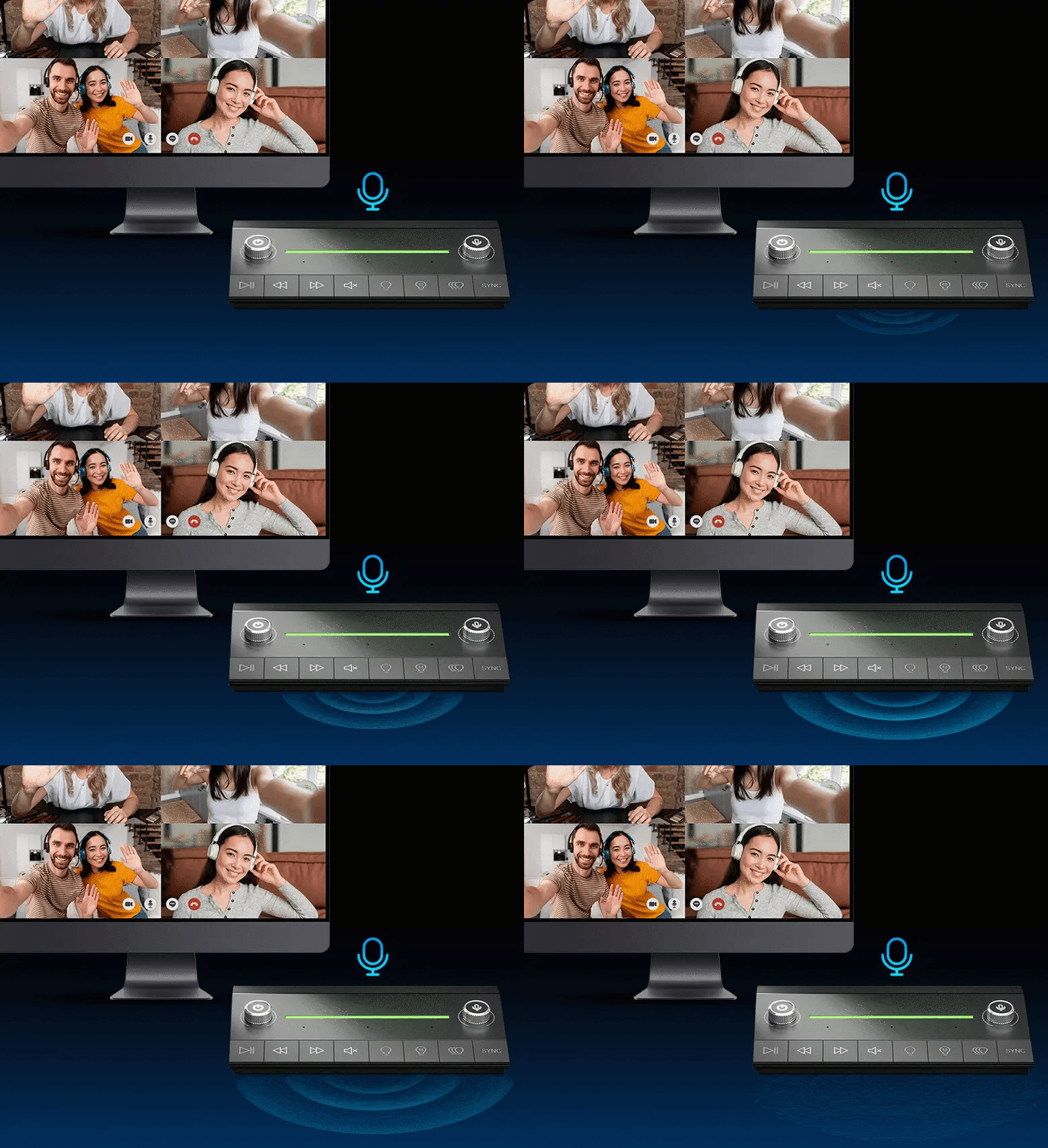
Acheive 4D Surround Experience

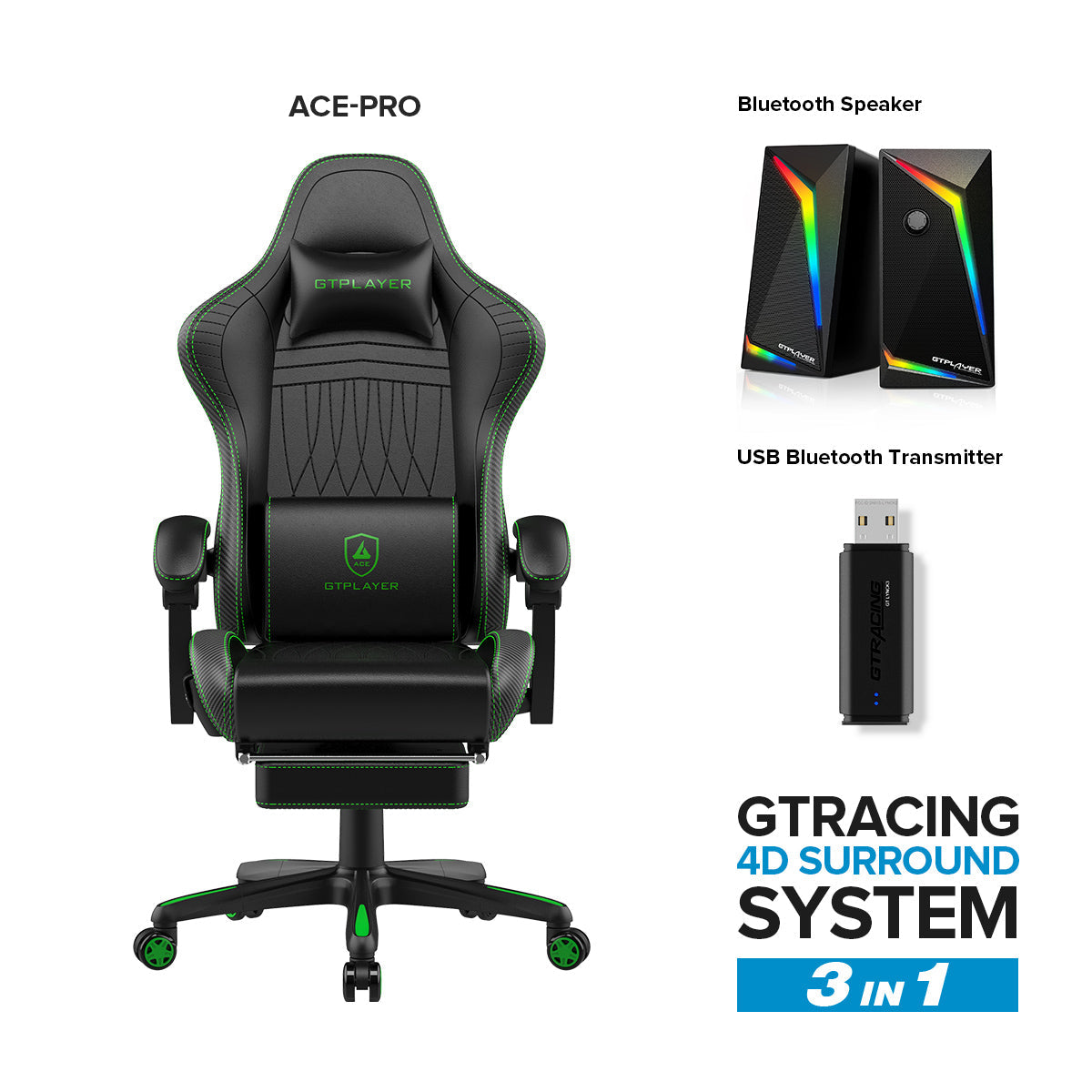
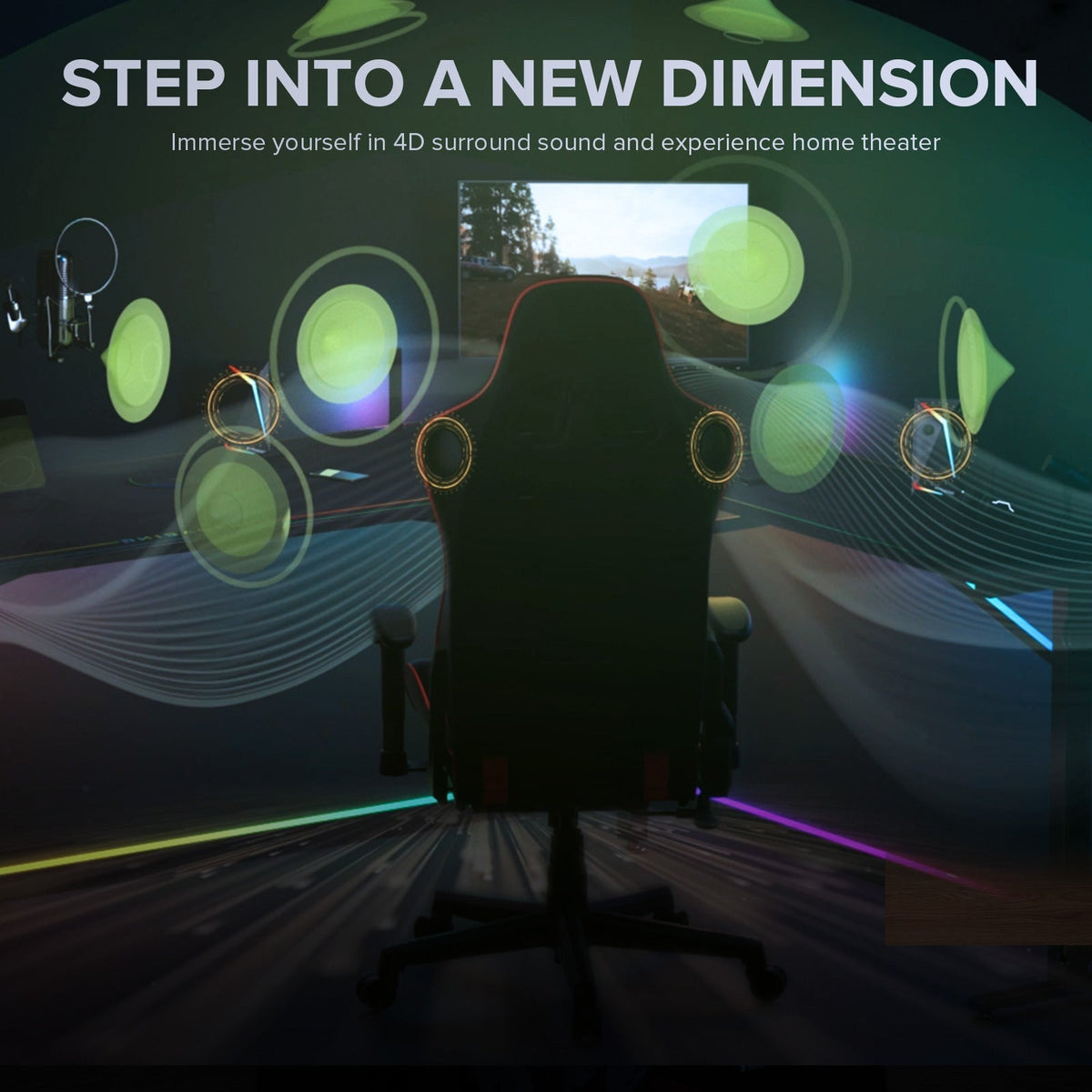


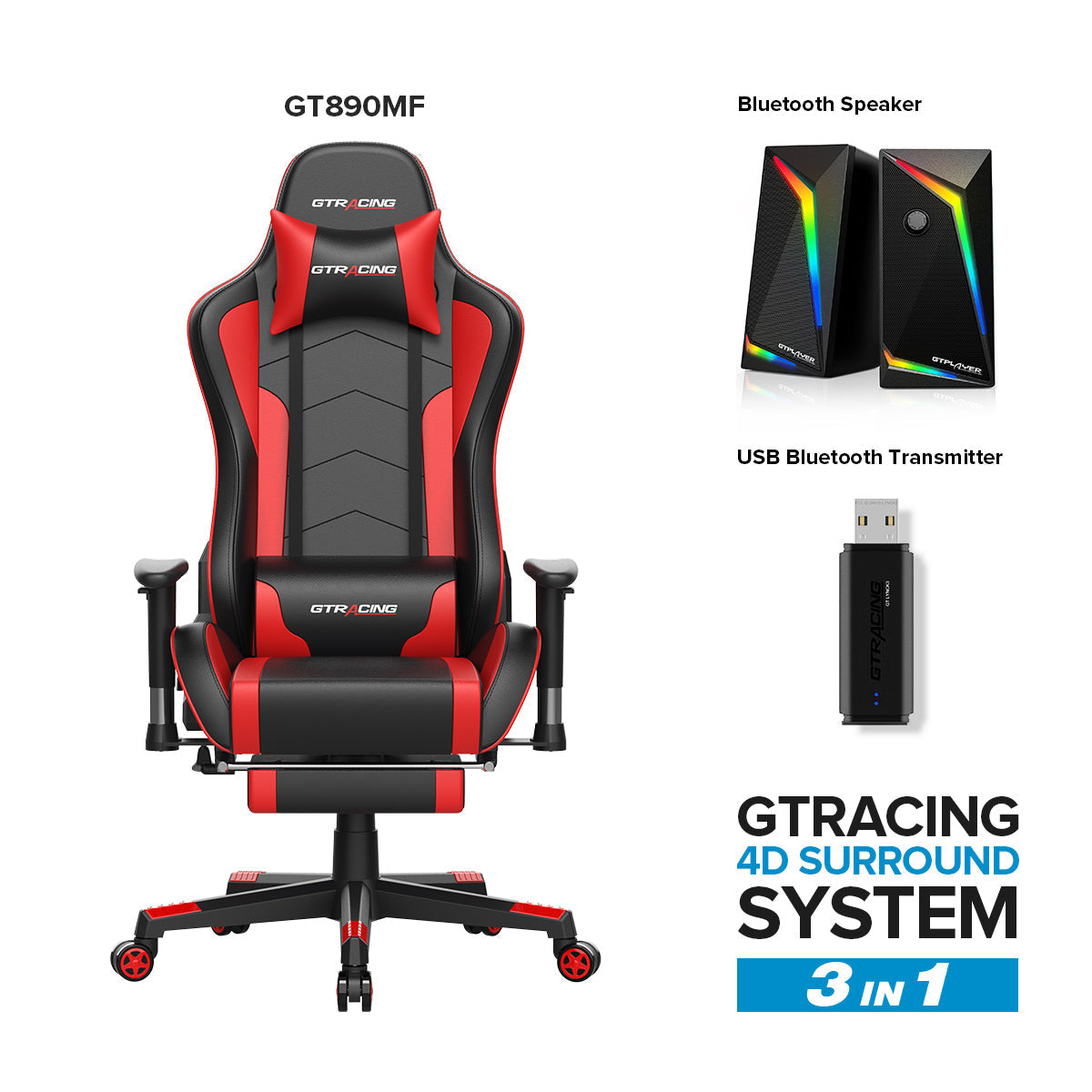
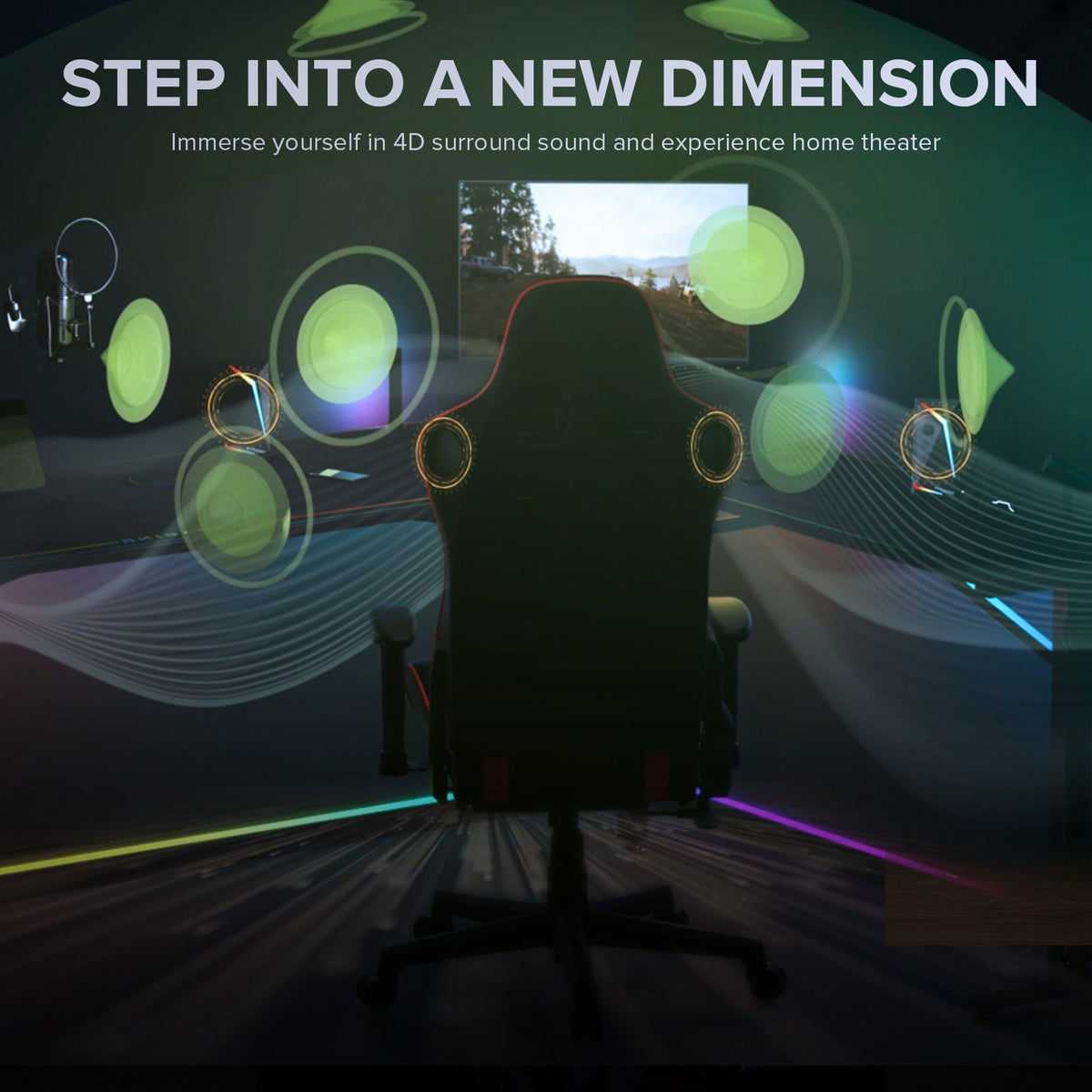
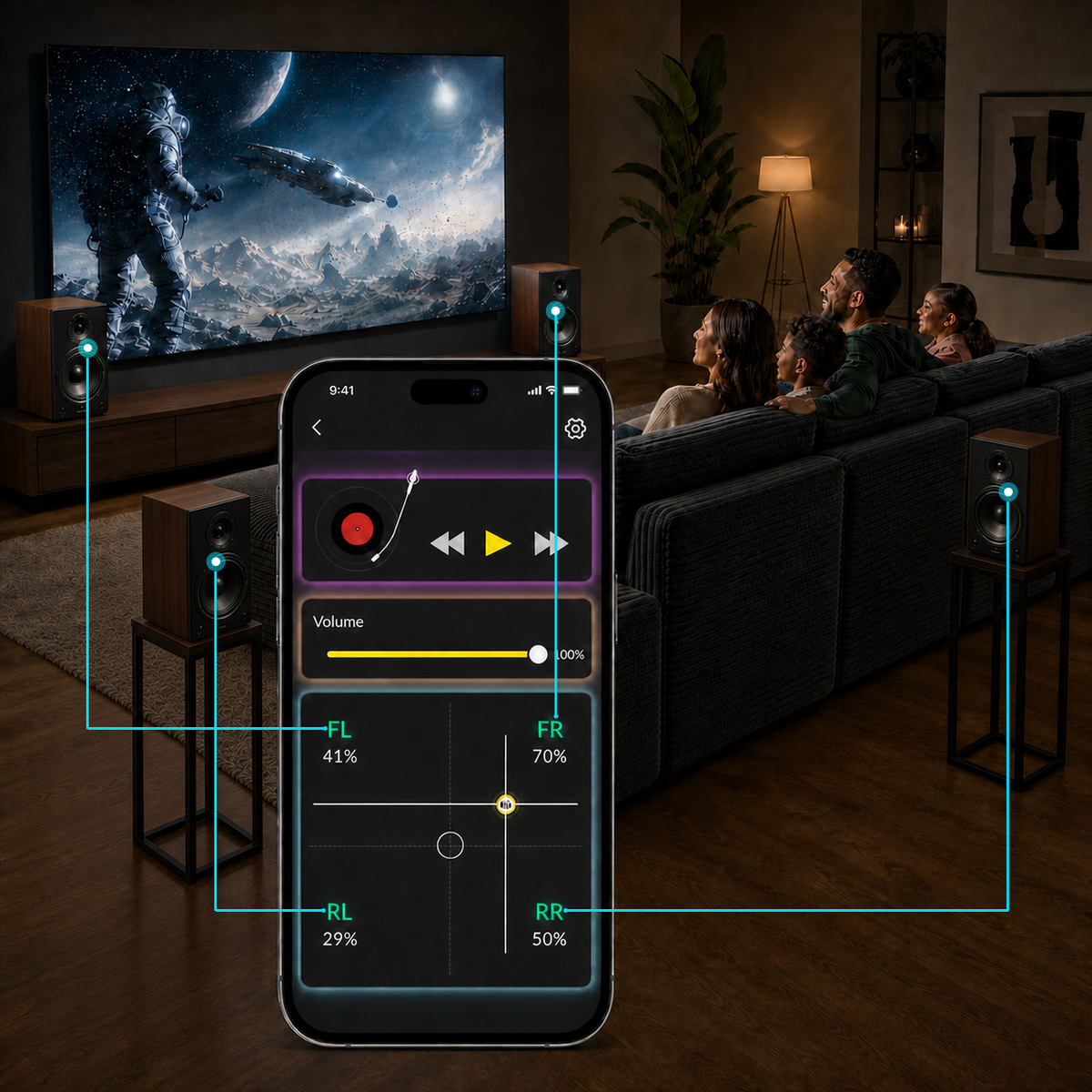
Our pioneering 4‑channel control system is engineered exclusively for home‑theater setups, letting you shape your sound freely with just a tap of your finger.
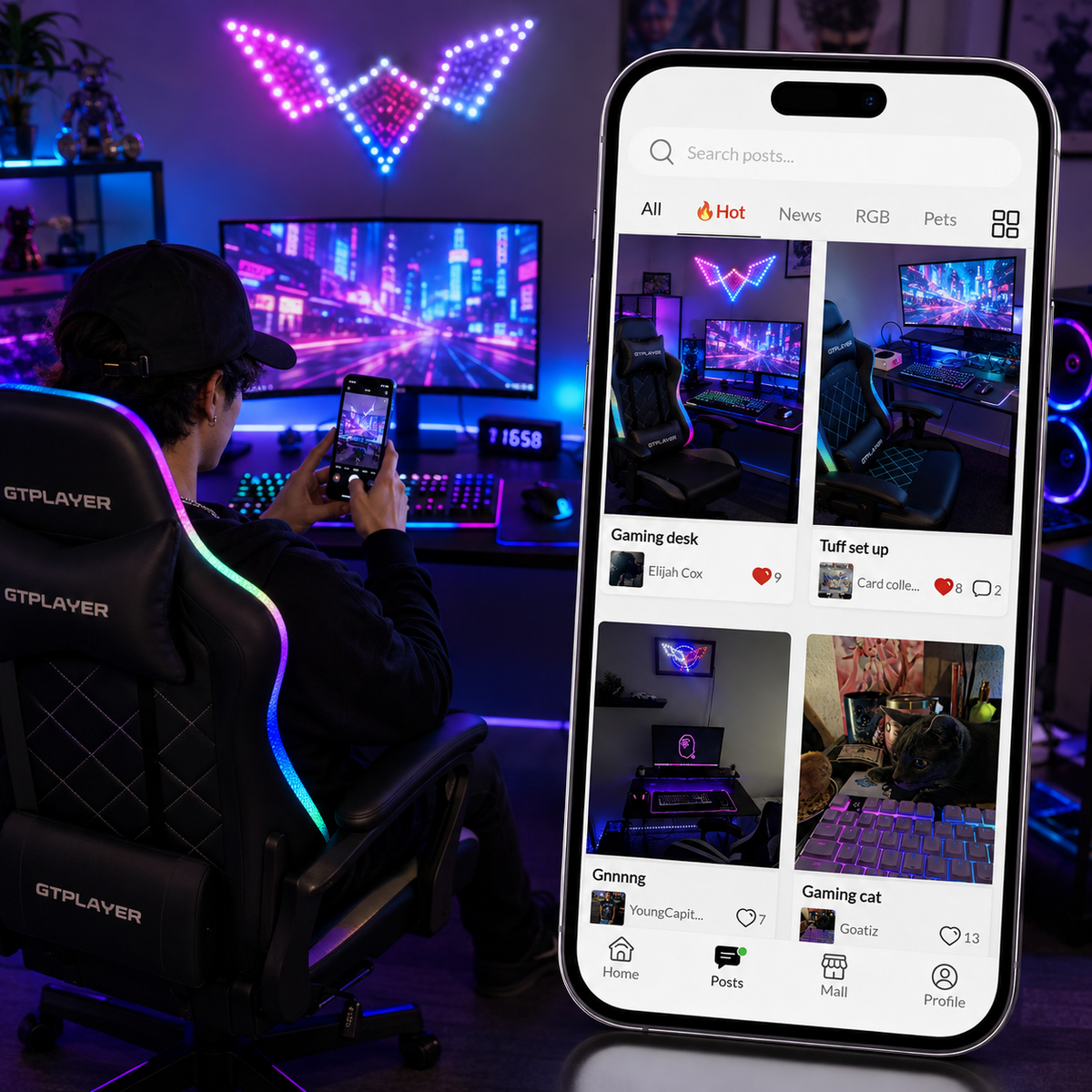
A method to share and explore gaming experience. Connect with like‑minded creators — open to all, no purchase necessary.
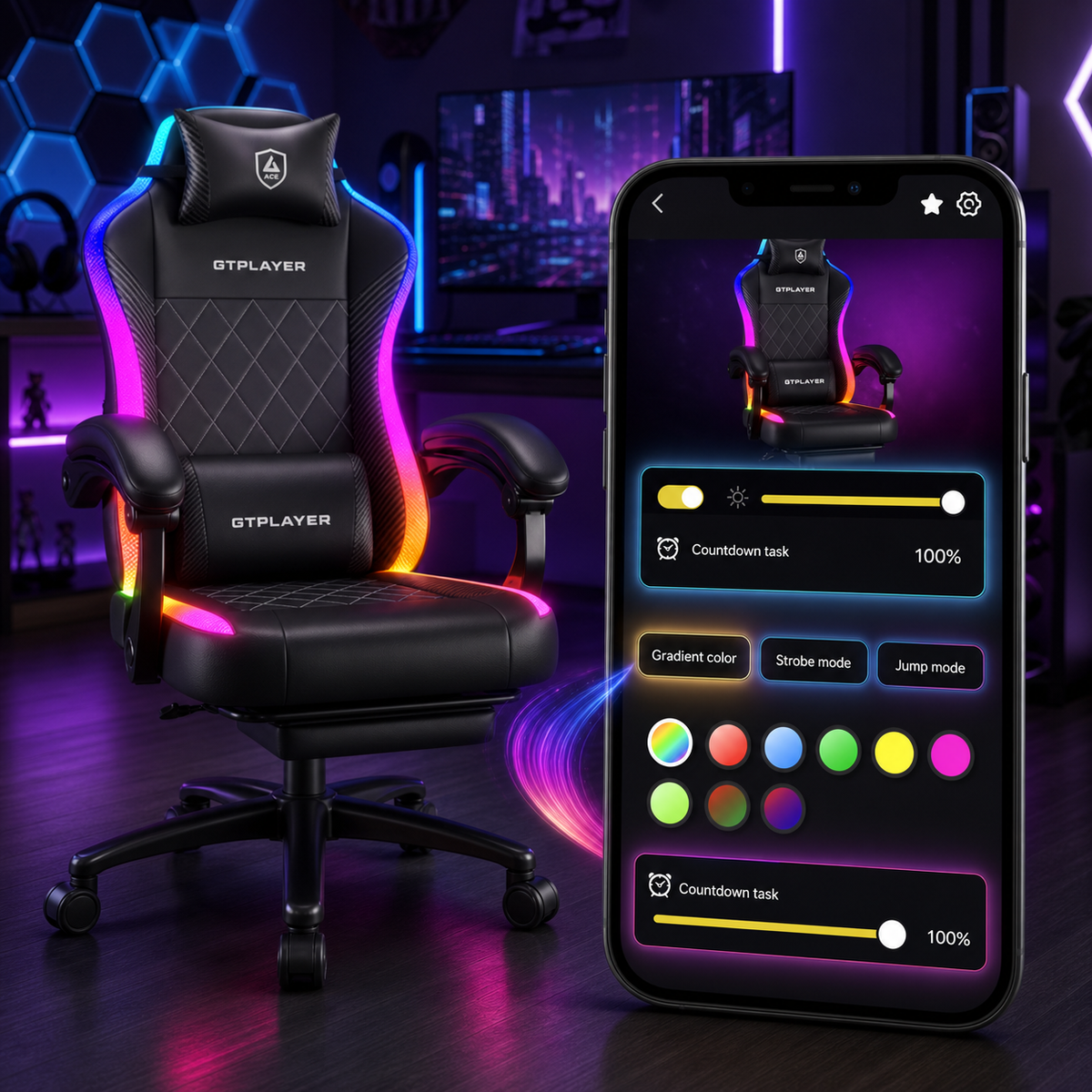
Take full command of lighting modes, brightness, schedules and sound through the Lynck App, and craft your ideal gaming atmosphere.
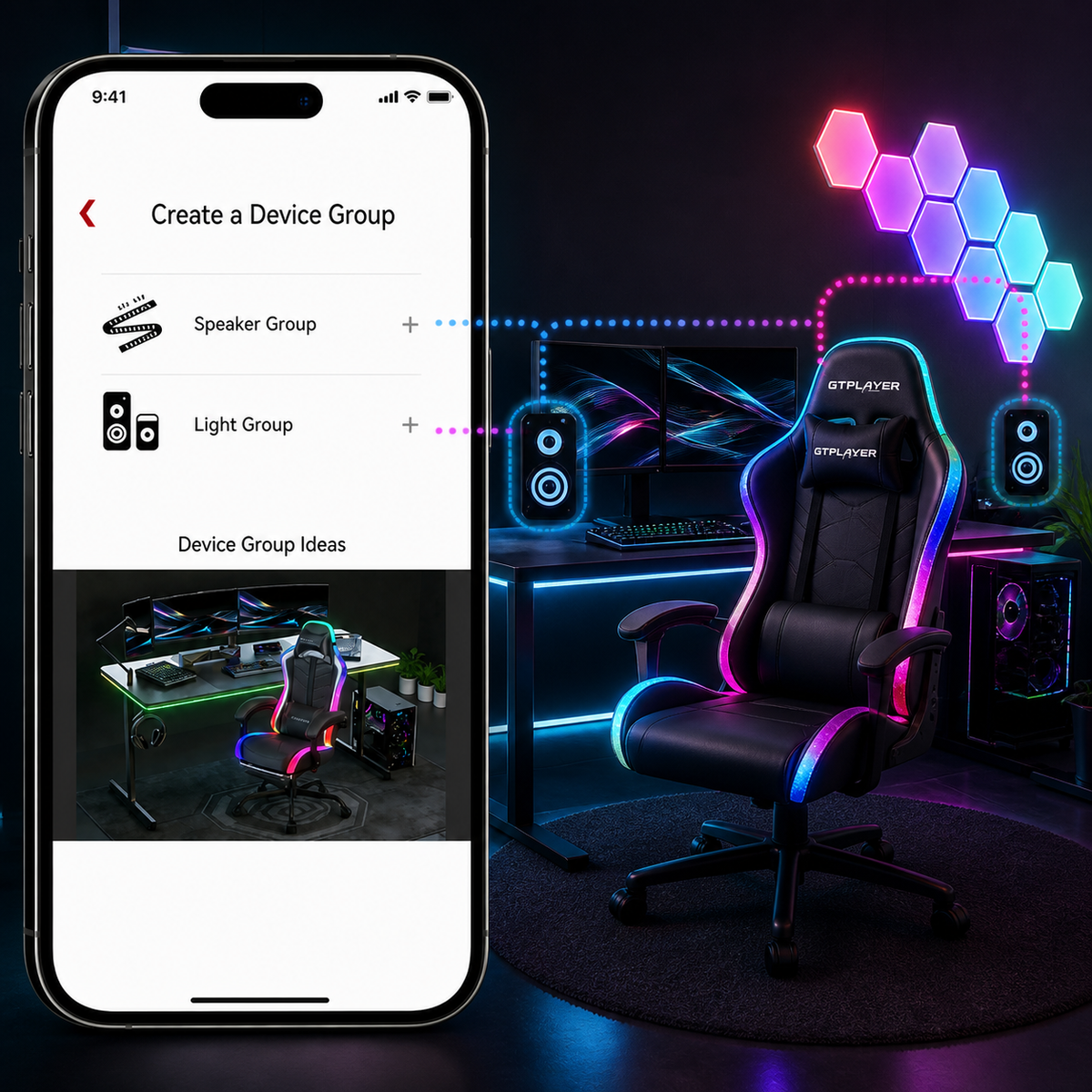
Group your devices together, then turn power, brightness, lighting modes and sound on or off with one single tap — fast and efficient.
Our pioneering 4‑channel control system is engineered exclusively for home‑theater setups, letting you shape your sound freely with just a tap of your finger.
A method to share and explore gaming experience. Connect with like‑minded creators — open to all, no purchase necessary.
Take full command of lighting modes, brightness, schedules and sound through the Lynck App, and craft your ideal gaming atmosphere.
Group your devices together, then turn power, brightness, lighting modes and sound on or off with one single tap — fast and efficient.
Testimonials

Joshua A.
Perfect Build
Electric led lights work great. Installed app and controls color changing and vib pad! Comfortable and reclined!

John S.
My new gaming chair just arrived!!
My gaming chair got here today and just A little chargers, and have my dream gaming lit up.

Mary U.
New setup
Budget setup but I’m happy with it, turned out better than I thought it would

Marilynro
I buy this chair and love it
It is so cool to user to play all my video games nice🖤🖤🤟🤟

Deacon
Cool!
1st gaming chair and i’m loving it so far. The speakers are pretty good!

FURNISH YOUR HOME.FOREST OUR PLANET
Reducing carbon emissions through reforestation.
Awards and Recognitions